Showing posts with label iPhone photo art. Show all posts

Sunday, February 14, 2016

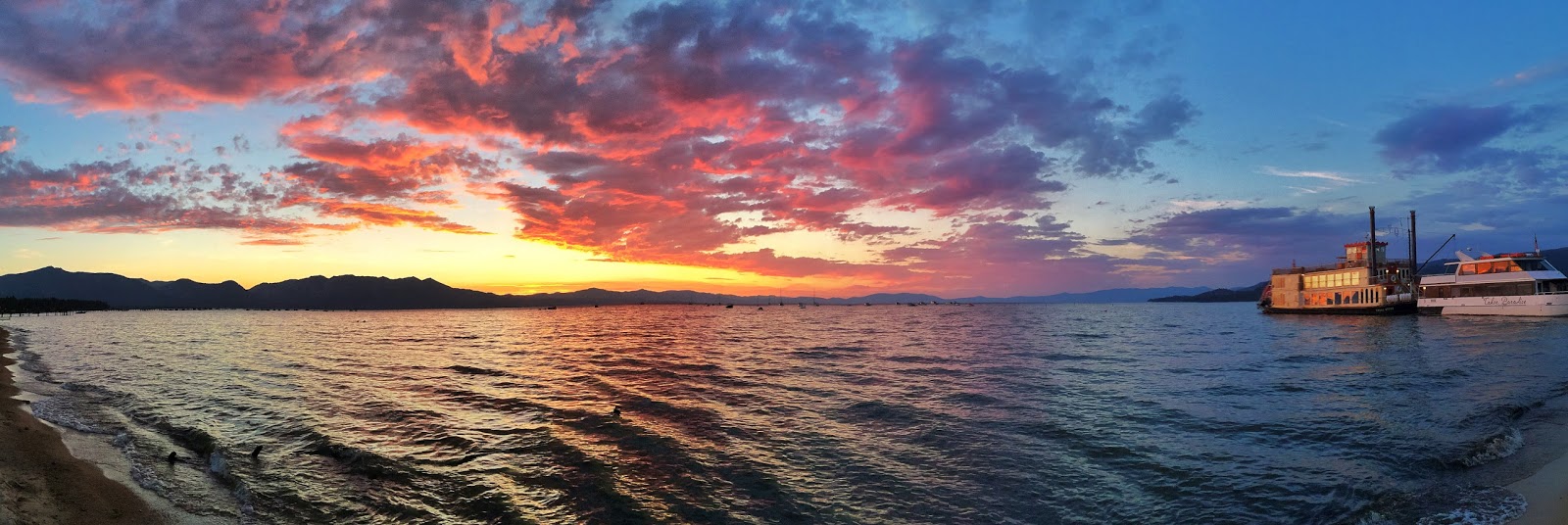
iPhone Diva and the App Queen: Workshop in Lake Tahoe


Teri Lou Dantzler and I are joining forces to awaken the creative iphoneographer in you this May in beautiful Lake Tahoe. We will showcase our favorite apps and workflows, offering opportunities to practice techniques and open new creative avenues.

We've gotten an amazing rate at a lovely, centrally located all suites hotel - breakfast provided and full kitchens in each suite.

Whether you are a beginner or an advanced iphoneographer, we guarantee that your inner artist will thank you. For more info or to register, click here. 


Saturday, August 8, 2015

iPhone Abstraction: A Guide to the Rabbit Hole

Many of you know that I have disappeared down a giant rabbit hole these past couple of weeks exploring abstraction with the iPhone. I have a feeling that I won't be emerging into the light of day anytime soon, however I promised to show my steps in creating these, so here goes.

I was shopping and noticed the pepper display in the produce section. I thought the colors might make a good base for an abstraction, so I snapped it.


Next I took it into Glaze app and chose a glaze that kept the color but made the photo much less recognizable.


Now that it was pure color, I decided to crop out just a section of the photo to use as my base. I used Snapseed to crop freestyle.


I took it into Matter app and chose one of the styles, expanded it with my fingertips on the base until it looked like I wanted it too. I never know exactly what is going to look good to me in Matter until I do it, so there are many trial and error bits that I do not save. I liked this next one so I saved it.


Now it was getting interesting. It felt "spacelike" to me, like a wormhole. (I have no idea what a wormhole might look like, by the way.) Next, I brightened it in Snapseed.


I felt that I needed a "space" object, so next went into Alien Sky app. I tried some stars, even some galaxies, but I didn't like them. I inserted a Saturn like planet, which I liked very much.


Now, the photo is coming together for me. I then took it into an app called Shift to add some texture. The effect is subtle, but I really liked it.


Next I added another texture and vignette filter from Shift. It was not what I was looking for but interesting enough that I saved it.


Finally, I revisited an old favorite app called Laminar (formerly IRIS) and used the Space texture to add a smattering of stardust. I am happy with the final result. I look forward to seeing what you all do with your own abstractions.


Friday, July 17, 2015

App Your Big Girl/Boy Photos on Your Phone

It's not only permissable, but desirable to app your SLR or micro 4/3 pix on your iPhone or iPad. I often forget this, mainly because I shoot so much on my phone that I barely have time to app anything else. But I have vowed to change that after seeing artist Katrina Pruett's latest offerings. Check these out:


Katrina says that she used so many apps that she is hard pressed to remember exactly which ones are responsible for the lovely looks here. She is pretty sure that Stackables is one of the texture apps she used. I love Stackables too - if you haven't tried the app, you should.

You can follow Katrina on FB - she does amazing work in the contemplative photography discipline miksang.

Thursday, March 5, 2015

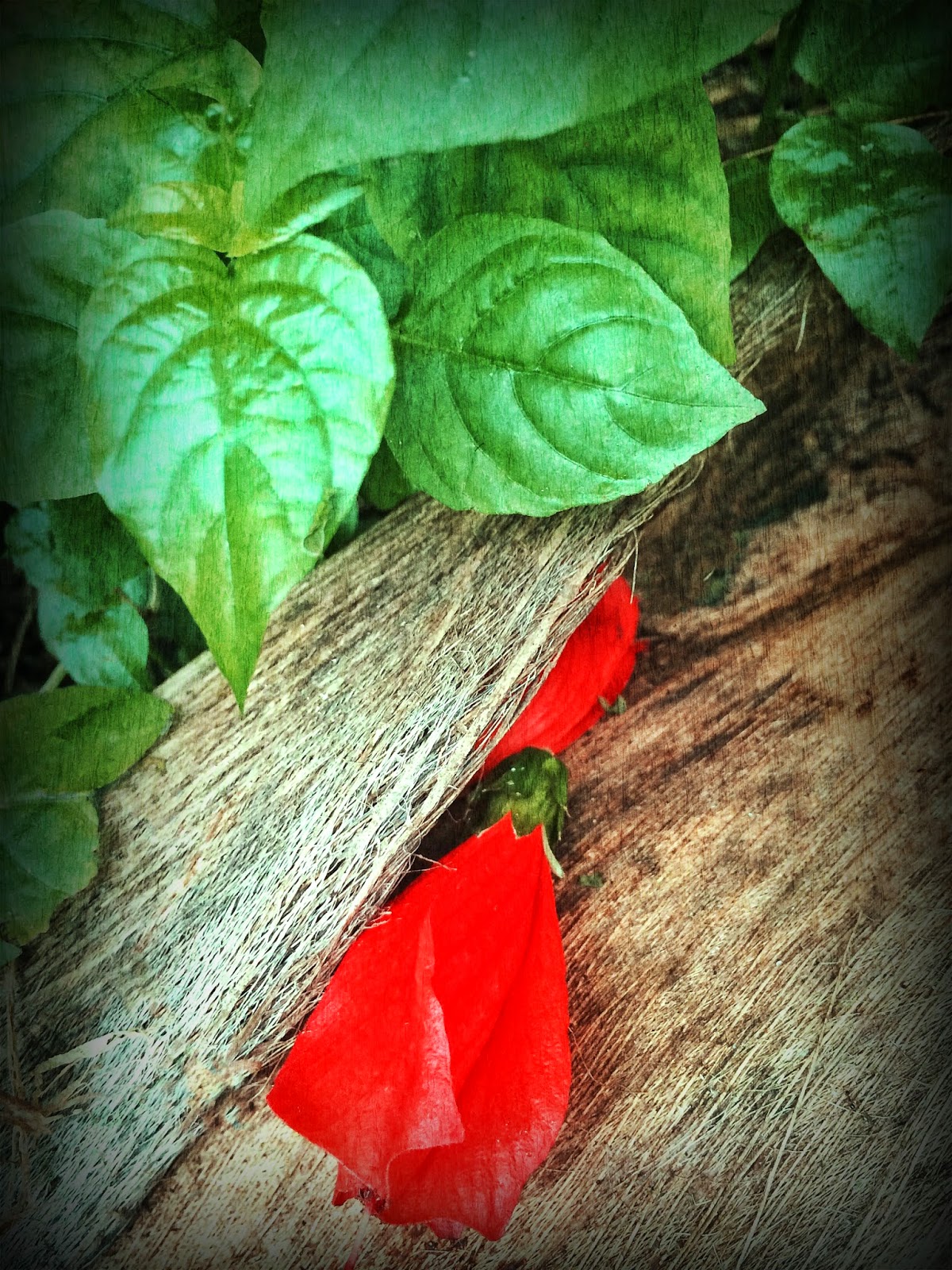
Peek-a-Boo Blossoms

A couple of months ago at a photo seminar at Hui Hoolana, John Barclay challenged students to create a folio, a sort of focused self-assignment. Taking his advice to heart, I began photographing a series of single flowers that were hidden in plain sight - what I termed Peek-a-boo blossoms. Here's the first sampling of an ongoing self assignment. (BTW Check out huiho.org for more info on John Barclay and Jonathan Kingston's annual photo seminar with guest artists Dewitt Jones and Rikki Cooke.)


Saturday, July 12, 2014

Palm Divination

On a recent family vacation (grandbaby time), Dewitt and I were cruising the beach in Ventura, CA. A grouping of three palm trees caught my eye - I love palm trees and I could already foresee multiple app permutations.

I started with Snapseed and HDR art for the first iterations.


Next I used Modern Grunge for this interpretation.

I went to an old favorite app for this one:  FotoMuse.

And finally, I dipped into Old Photo Pro for this very cool look.

I don't have a favorite - I pretty much like them all - and the 10 others that are still sitting on my iphone.

Friday, May 9, 2014

Palmistry Molokai Style

Dewitt and I had good friends visiting, so we visited the Kapuaiwa Palm Grove for sunset. The sunset was more pastel than dramatic red and orange, which made for a kind of quiet beauty.

This first photo is a Hipstamatic shot with John S and Dreamcanvas. Upped saturation and sharpness in Snapseed.


 I used You Gotta See This to make this collage of the palm trees. (A freaky cool app that Jack Davis turned me on to years ago - I am rediscovering old apps! Optimized in Snapseed and Camera+.

 I used the same combo of apps for this view of the calm sea at sunset. Frame was added in Crop N Frame, which is a terrific framing app.


Brushstrokes added an abstract painterly look to this same photo. I like them both.


Monday, February 17, 2014

Stealing Beauty With Color Thief

Make a good photo great by using one of my all time favorite apps: Color Thief. This app "steals" the color from another photo (or even a web page)  and applies it to the one you choose. That does not sound as freaky cool as the app really is! You have to try it. And I can't believe that you won't be as addicted to it as I am!

Here is an example of a photo I took on the beach in Ventura, CA. Now, I like this photo as is. I LOVE it in its new color permutations. Check this out.

The starfish was lovely in its imperfection, one shortened arm, twirling in the sand. All I did to the original was to optimize it in Snapseed (tune image and details.)


Then I brought it into Color Thief and started zipping through the pix on my Camera Roll (this is a highly addictive part of the process. Like slot machine wheels going past, adding color instead of coins.) These were my favorites.


My all time favorite of the starfish color renditions was this one, which I posted on social media sites. I called it Pirouette.


And now I find out that they have an app for the Mac - oh joy, oh rapture. I'm heading for the app store right now. Oh, and did I mention that of course, it saves full resolution? It doesn't get any better than this.

Sunday, December 22, 2013

Land of the Midnight Surf

One of my favorite newcomer apps is Color Thief. Basically, you choose a photo and choose another of  your photos (or theirs or a website) and the app "steals" the color palette of that second photo and applies it to the first. Sometimes, it's weird, sometimes wonderful, and sometimes you just get to "see" differently.

I was in Honolulu recently and shot this photo on the beach. I loved that the patterned surfboard tells you exactly where you are. It was a gray, cloudy day just before a storm. I just used Snapseed app for some basic optimizing.


And it is fine, as is. Then I started to flip through the Color Thief using other pix I'd taken the same day.This one was a little brighter from a sunnier photo. I like it as well.


A more monochromatic shot yielded this faded, vintage look. Notice we lost some detail in the clouds, so if I really loved this I would probably go into Blender and paint in clouds from the original after desaturating it so as to match the tone. I wasn't enamored enough of this effect to do that, however.


I actually like this one a great deal. I don't mind the cloud detail being gone - the image is already pretty surreal and it just adds to the strange and moody feeling.


Then I let Color Thief use the heavy blue purple tones from an aquarium shot to almost make a day-to-night effect. I liked it but it needed something to really make it feel like night. Laminar app (formerly called Iris) has a vintage effect called Space - I added it and used a mask so it just showed in the sky and sea area. Voila. Land of The Midnight Surf which is my favorite of the series.

Warning: it is possible (read likely) to use up a lot of time playing with this app. It is just so darn much fun to discover all the ways color can completely change an image. I have to budget the amount of time I play with this or whole days can be lost. It's that addicting.

Tuesday, July 23, 2013

Tuesday, July 16, 2013

Petal Pushers

Well, the petal pushers came out after the last blog post, I'm delighted to say. I am feeling so inspired! Check out these latest flower portraits.

Katrina Pruett shares this lovely composition called Tiny Flowers. By her own admission, it's one of those "extreme app" results. She started with two photos from slightly different angles of the same tiny flowers. Blender (which made unexpected color changes). Photo Fx for one of the diffusing filters. Then Toon Camera to reverse a bit of the fuzziness. Lastly Pic Grunger for texture. This is one of iPhone Diva's favorites. I gotta try Katrina's recipe.


© Katrina Pruett

John Derby was awarded "Mark of Excellence" for this lovely Iris photo in the I Shot It photo competition sponsored by Leica. His wife grew the beautiful bloom named interestingly enough "Starship Enterprise". You can find more of John's work on his artist site: John Derby Photograpy
© John Derby


For this vibrant lotus shot, Katrina again used a number of apps. Here's how she did it "Snap seed. Touch retouch to remove debris in the water. Laminar pro (can't recall why I ran it through that). Then a new one to me - Jazz. That put the red streaks and red tint in the background which I kinda like."

© Katrina Pruett


I took a Fourth of July walk with gal pals Theresa and Karen. The flowers were out in full regalia. Pink Indian Paintbrush decorated this granite boulder as we tramped to Lake Winnemucca in the Mokulumne Wilderness high in the California Sierra Nevada.. Snapseed, Camera+, Camera Awesome.
Dewitt and I were returning from a trip when we pulled over abruptly for this field of sunny blossoms. I love sunflowers - they seem to have personalities, each and every one. This is a straight iPhone shot using Pro HDR. And I'm sure I will app it in the future as well.


While celebrating the Fourth by traversing a favorite trail in the HIgh Sierra, my girlfriends and I came across a wildflower meadow in full bloom. Snapseed, Tiffen Photo FX, Camera +.

This shot by Lauri Dinetz combines a dahlia blossom with her haiku. No apps, just added the text on her computer. I love words and pictures together! Thanks everyone for the contributions!

© Lauri Dinetz