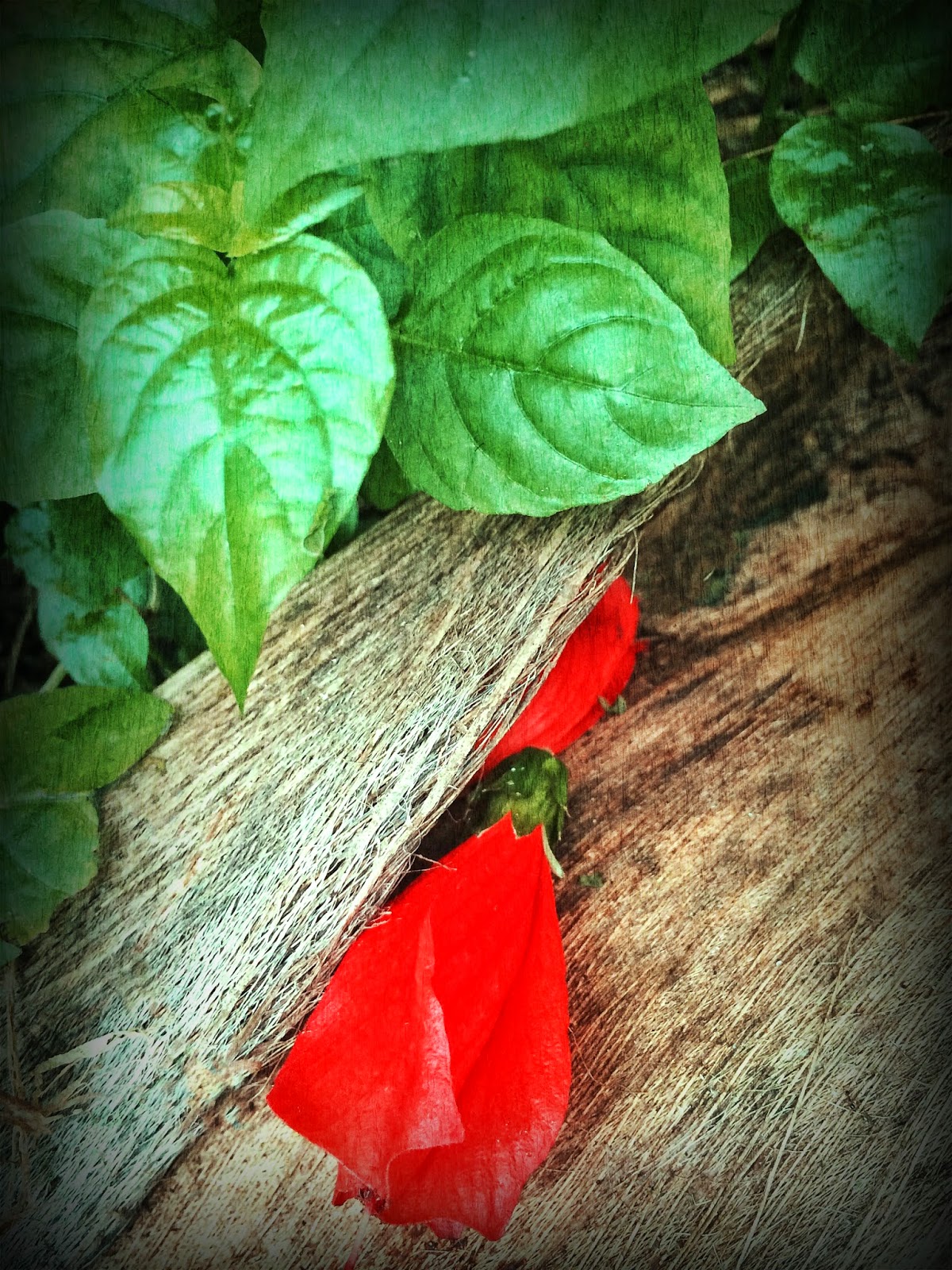
Showing posts with label iPhone diva. Show all posts

Saturday, October 22, 2016

Creating Textures

I love textures and combining straight photos with them to make one-of-a-kind images. At our most recent Creative iPhone Adventures class, one of the participants asked about textures. I promised to think about it and write my process here.

While I use Mextures app, A-layer app, and a host of others to "texturize" my photos, I occasionally use a texture I have photographed. For a long while, I have photographed interesting patterns in wood, stone, fabric and the like with the idea that I'd make my own textures. I might use one once and then forget about it.

Over time, as I've organized and keyworded my photos in Lightroom (a huge task and not for the faint of heart), I've put these texture photos into a smart collection. I decided that now is the time to dust them off, so here are a few that I apped in Snapseed - adding structure, lightening the center, and just generally making them look like an interesting substrate. Enjoy.

Sitting in a restaurant, I spied this interesting glass texture on a room divider. I took the color out in Snapseed.


In the Grand Canyon, there are these sculpted rock formations that I just love. This is the original color.


 I also like it with the color changed in Color Thief app.


This is wallpaper I saw in a bathroom somewhere.  Love the butterflies.


Alas, I can't remember where I got this one - I think it is rock.


This is a beautiful marble on a wall in the Madison, Wisconsin capitol building. It's almost a photograph just as is.


Lauhala is woven from the hala or pandanus tree - it's perfect for layering with hula or Hawai`iana images.


I became enamored with this tire tracks in sand. I might clean it up a little more before I use it. Or maybe not.


A broken windshield on an abandoned car made a really interesting fractured look.


I found this on a shed in a botanical garden in Honolulu. Love the color and rust.


Eventually, you'll start seeing textures everywhere once you decide you are interested in creating your own. Of course, if you google textures, you will find more options than you can imagine using - French Kiss has some yummy ones. And there are lots of free ones as well.

Next post, we'll deal with "making" textures as opposed to simply finding them as I did here. Happy apping!

Saturday, October 8, 2016

Abstract Steps for Pastel Dream

Just finished a fantastic iPhone Creative Adventures class with Teri Lou Dantzler and a bunch of really talented participants. In response to a request by one of them, I am outlining the steps I took for the abstract I call Pastel Dreams. Here's the process to the best of my recollection:

I started with this photo; it's either a pink painted wall or a texture I had already. I then upped the structure and saturation to the nth degree in Snapseed.


Next I went into Pixite's app Fragment, which added the circular shapes.


Fragment again.

Fragment again.


Fragment another time.


Fragment once more added the triangle in the center.

Next I went into Matter app for the shape at the bottom right.

 Matter again for bottom left shape.

 Lightened in Shift app.

I added bubbles (because they seemed right somehow) in an app called Paint FX.


I added lines at the bottom with Lory Stripes app and the unicorn from Simple app. (This is a free app that has many of the effects in Master FX app which I usually use for my little additions. Only trouble is that it puts the word Simple on it - see bottom right.

So I used TouchRetouch app to remove the word Simple.


Took it back into Fragment - didn't like it. It distorted the outline of the face I saw lower right and just generally messed it up as far as I could see.
 

Went back to the earlier version and called it a day. It's done when it's done. I titled it "Pastel Dream".


Saturday, August 8, 2015

iPhone Abstraction: A Guide to the Rabbit Hole

Many of you know that I have disappeared down a giant rabbit hole these past couple of weeks exploring abstraction with the iPhone. I have a feeling that I won't be emerging into the light of day anytime soon, however I promised to show my steps in creating these, so here goes.

I was shopping and noticed the pepper display in the produce section. I thought the colors might make a good base for an abstraction, so I snapped it.


Next I took it into Glaze app and chose a glaze that kept the color but made the photo much less recognizable.


Now that it was pure color, I decided to crop out just a section of the photo to use as my base. I used Snapseed to crop freestyle.


I took it into Matter app and chose one of the styles, expanded it with my fingertips on the base until it looked like I wanted it too. I never know exactly what is going to look good to me in Matter until I do it, so there are many trial and error bits that I do not save. I liked this next one so I saved it.


Now it was getting interesting. It felt "spacelike" to me, like a wormhole. (I have no idea what a wormhole might look like, by the way.) Next, I brightened it in Snapseed.


I felt that I needed a "space" object, so next went into Alien Sky app. I tried some stars, even some galaxies, but I didn't like them. I inserted a Saturn like planet, which I liked very much.


Now, the photo is coming together for me. I then took it into an app called Shift to add some texture. The effect is subtle, but I really liked it.


Next I added another texture and vignette filter from Shift. It was not what I was looking for but interesting enough that I saved it.


Finally, I revisited an old favorite app called Laminar (formerly IRIS) and used the Space texture to add a smattering of stardust. I am happy with the final result. I look forward to seeing what you all do with your own abstractions.


Tuesday, March 10, 2015

Flights of Fancy

I set a goal for myself this year to push the creative edge a bit more - to break some rules or make some new ones to expand out of my familiar ruts. I took some of my archived bird of paradise photos, printed them on a non-professional ink jet printer on plain printer paper (not photo paper), and used water with a brush to "paint" them. The ink blurs like watercolor paints.

Then I rephotographed the finished watercolor images in HIpstamatic using Dreamcanvas. I further apped them in Snapseed and Camera+. I'm not sure these are better than painting in an app like PhotoViva, but I really like the end result and plan to do some more soon. Try your own experiment and send it to me - I'd love to see and share it.


Thursday, March 5, 2015

Peek-a-Boo Blossoms

A couple of months ago at a photo seminar at Hui Hoolana, John Barclay challenged students to create a folio, a sort of focused self-assignment. Taking his advice to heart, I began photographing a series of single flowers that were hidden in plain sight - what I termed Peek-a-boo blossoms. Here's the first sampling of an ongoing self assignment. (BTW Check out huiho.org for more info on John Barclay and Jonathan Kingston's annual photo seminar with guest artists Dewitt Jones and Rikki Cooke.)


Saturday, July 12, 2014

Palm Divination

On a recent family vacation (grandbaby time), Dewitt and I were cruising the beach in Ventura, CA. A grouping of three palm trees caught my eye - I love palm trees and I could already foresee multiple app permutations.

I started with Snapseed and HDR art for the first iterations.


Next I used Modern Grunge for this interpretation.

I went to an old favorite app for this one:  FotoMuse.

And finally, I dipped into Old Photo Pro for this very cool look.

I don't have a favorite - I pretty much like them all - and the 10 others that are still sitting on my iphone.

Tuesday, June 24, 2014

Abstract Expressionism in A Colorado Town

The town of Wray, Colorado has wonderful architecture preserved in its downtown area. Dewitt and I stopped there on our way back to Denver from the eastern part of the state and just wandered around, photographing. (After a great latte and bagel sandwich at the coffee place).

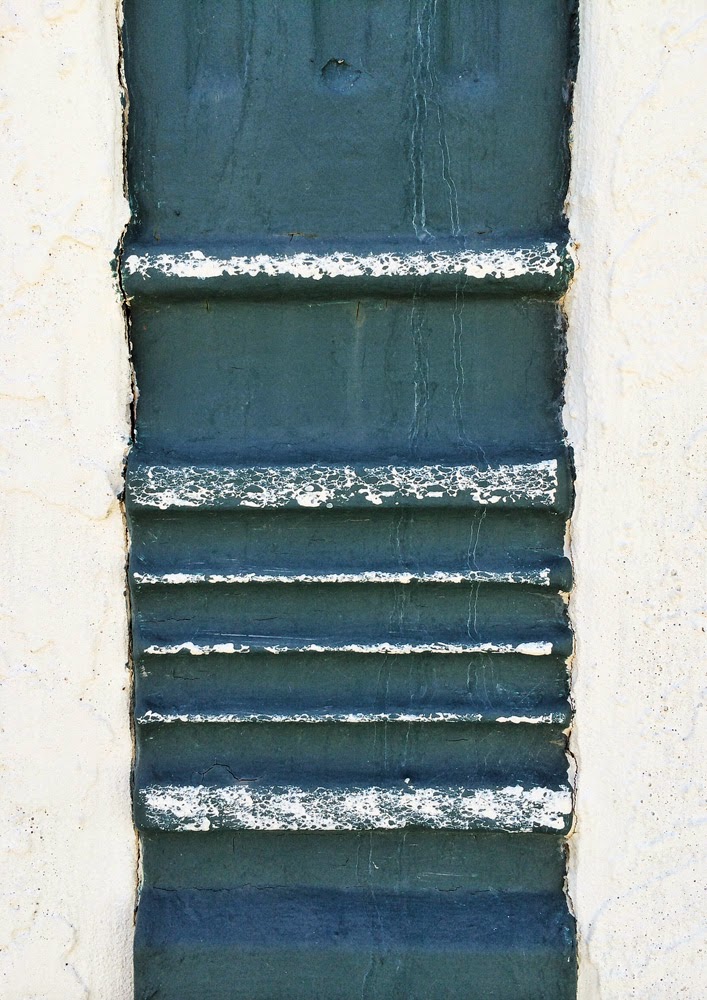
I love the abstract expressionists like Rothko. (I know they aren't everyone's cup of tea, but I seriously could stare at some of those minimalist paintings forever.) Anyway, I kept seeing details in the vintage buildings - here are a few iphone pix. All are straight shots, optimized in Snapseed app.